
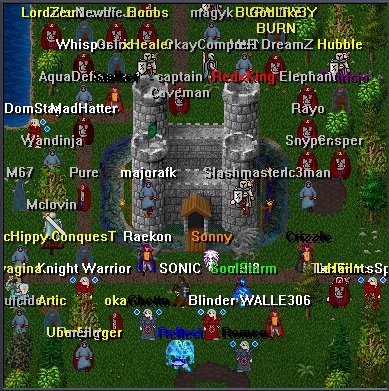
 01 / THE CLASSIC EXPERIENCE
Odyssey Online Classic
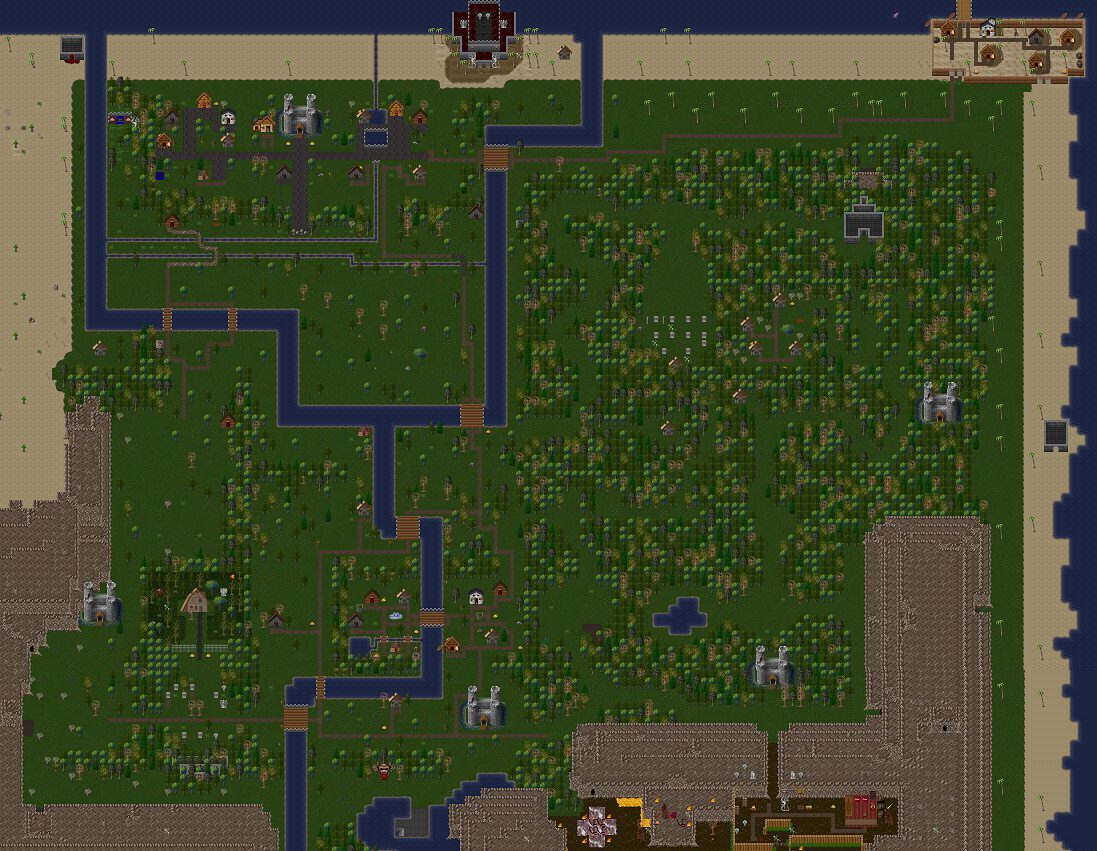
The original artwork and familiar controls, with a focused classic interface. Rediscover the roots of Odyssey.
Find a Classic world
The latest from Odyssey Worlds
Game updates, community events, and news from the realms.
A world worth coming back to
Find your world. Create your character. Share the journey. A classic online adventure, built for the way you want to play.
Play in your browser. Your Odyssey account travels with you.
Different worlds. Shared adventure.
Explore official and community worlds. Each world has its own characters, setting, and community.
Live availability from the Odyssey Worlds server.
From across the realms
Choose your kind of Odyssey
Every world chooses its edition. Find the experience that feels like home.
01 / THE CLASSIC EXPERIENCEThe original artwork and familiar controls, with a focused classic interface. Rediscover the roots of Odyssey.
Find a Classic world02 / AN EXPANDING ADVENTUREAn expanded interface with systems for parties, guild progression, pets, quests, and more. Availability depends on the world you join.
Explore Odyssey WorldsOne account gives you access to the worlds available on the platform. Add a recovery email to help protect your access.
Browse the directory, check its edition and availability, and choose Join.
Create or select a character for that world, then enter the adventure.
The best part of a world is its people
Meet the community, share your adventures, and keep the conversation going beyond the game.
The world directory
Discover live official and community worlds. Choose a world, sign in, and select your character.
Welcome to Odyssey Worlds
A home for classic online adventure and the people who create it. Explore a world, build a character, and find a community to return to.
The original adventure
An account connects you.
A character makes it yours.
Your Odyssey account is shared across the platform. Your characters belong to individual worlds, so your adventures and progress stay with the world where you play.
World owners choose their edition and configure their own experience. Explore the directory to see what is available, and check with each world’s community for its rules and features.
Discover the worlds →Odyssey Online Classic
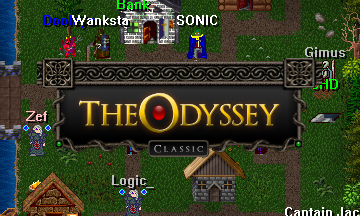
Classic worlds use the legacy artwork, original interface layout, and familiar arrow-key controls. Their focus is the classic Odyssey experience.
Browse Classic worlds →Odyssey Worlds
Odyssey Worlds offers an expanded interface and additional systems such as parties, pets, quests, and guild progression. Each world determines which experiences are available to its players.
Browse Odyssey Worlds →Getting started
Everything you need to go from your first visit to your first character.
Choose Play in browser, then Register. Enter your account details and a recovery email. The same account can be used across the platform; you do not need a new account for each world.
Already registered? Sign in using your existing Odyssey username and password.
Create your account →The world directory shows the worlds currently listed by the platform. Search by name, description, or tag, and filter by edition and online status. Official and community worlds are labeled so you can choose the setting you want.
Choosing Join takes you to the browser client. After signing in, you will continue to the selected world’s character screen. An offline world cannot be joined until it becomes available.
Open the world directory →Select an existing character, or choose Create to make a new one. Follow that world’s character-creation options, then choose Enter World.
Characters and progress are specific to each world. Character-slot limits are set by the world, so the number available can vary.
Controls and available features depend on the world’s edition and settings. Use the in-game menus to explore your inventory, options, and the features available on your world.
Add a recovery email when registering. If you forget your password, use Forgot Password on the sign-in screen and follow the verification steps. Recovery depends on the information available for your account.
A few common questions
No. The browser client is available through Play in browser. A desktop download is not currently offered.
Your account is shared, but each world keeps its own characters and progress. Create or select a character when joining a different world.
World owners choose their edition and configure their own world. Classic and Odyssey Worlds have different interfaces and feature sets.
Sign in to the browser client to check world-creation eligibility. Availability depends on platform settings and account requirements. Existing owners can manage their worlds there.
Beyond the game
A world becomes a place worth returning to because of the people you meet there.
The community gathering place
Talk Odyssey, meet other players, ask questions, and share your adventures with the community.
Open the Discord community ↗Opens Discord in a new tab.
Make yourself at home
Welcome new adventurers. Respect other players and world staff. Follow the rules of the world you join and the community spaces you use.
Need help?
For account access, start with the recovery tools. For world-specific questions, speak with that world’s staff or community. For getting started, our guide walks you through the basics.
For the world builders
World management includes settings, content tools, and custom landing and character pages. Sign in to manage an existing world or check creation eligibility.